 Skip to content

All Activities and events
in one clear agenda.
Plan network meetings, company visits, general meetings and other events for the entire business club or specific groups. Members can easily sign up or opt out, and organisers can see who is attending at a glance.




From invitation to completion Participant list
- Event planning and management
- Invite specific groups and committees
- Members to sign in or out with reason
- View and export participant lists
- Send automatic login reminders

Account manager

Alles voor een goed georganiseerde Business Club Agenda
Central diary
Dinner invitations
Log in and out
Planning with AI assistant
Dietary requirements and allergies
Reminders
Invite newcomers
Website link
Automatically publish public events on the society's website, allow non-members to register.
Logging in and out in pairs click
Members receive an invitation in the app and can immediately indicate whether they will attend. If they cannot participate, they can opt-out and optionally add a reason.
You decide who can register, how many places are available, whether guests are welcome, and when registration closes. This means the organisation knows well in advance how many entrepreneurs and guests are expected and you won't have to collect individual registrations via email or WhatsApp.

Always a complete Participant list
View which members and companies are attending each event directly, who has unsubscribed, and who has not yet responded. Additional information, such as dietary requirements, allergies, and guests brought along, is also clearly displayed with the correct participant.
The participant list can easily be exported for use at the reception, for name tags, catering, or further administration. This way, you will always have one complete and up-to-date list at hand for every event.
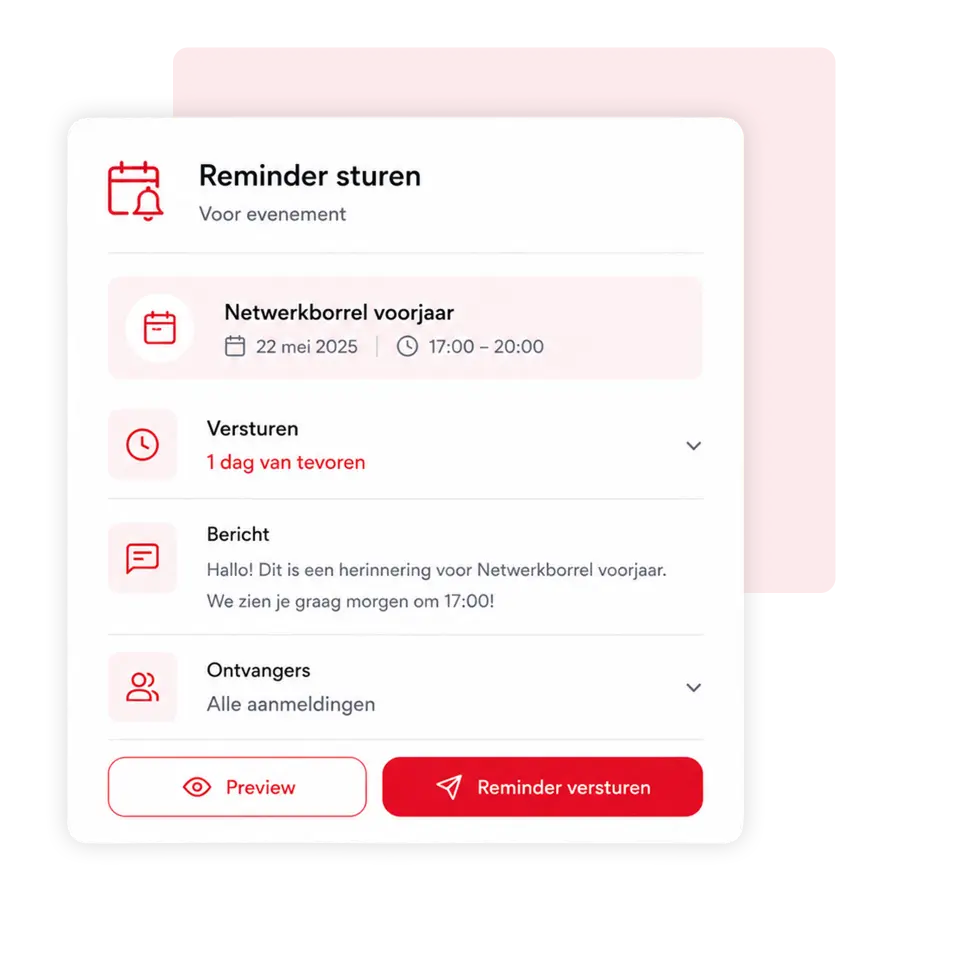
Remind members to react
Prevent members from forgetting to sign up for or out of a network meeting or company visit. Set up automatic reminders for everyone who hasn't yet responded to the invitation.
You decide when the reminder is sent, for example a few days before the event or just before the registration deadline. This way, you no longer have to call members manually or send individual messages.
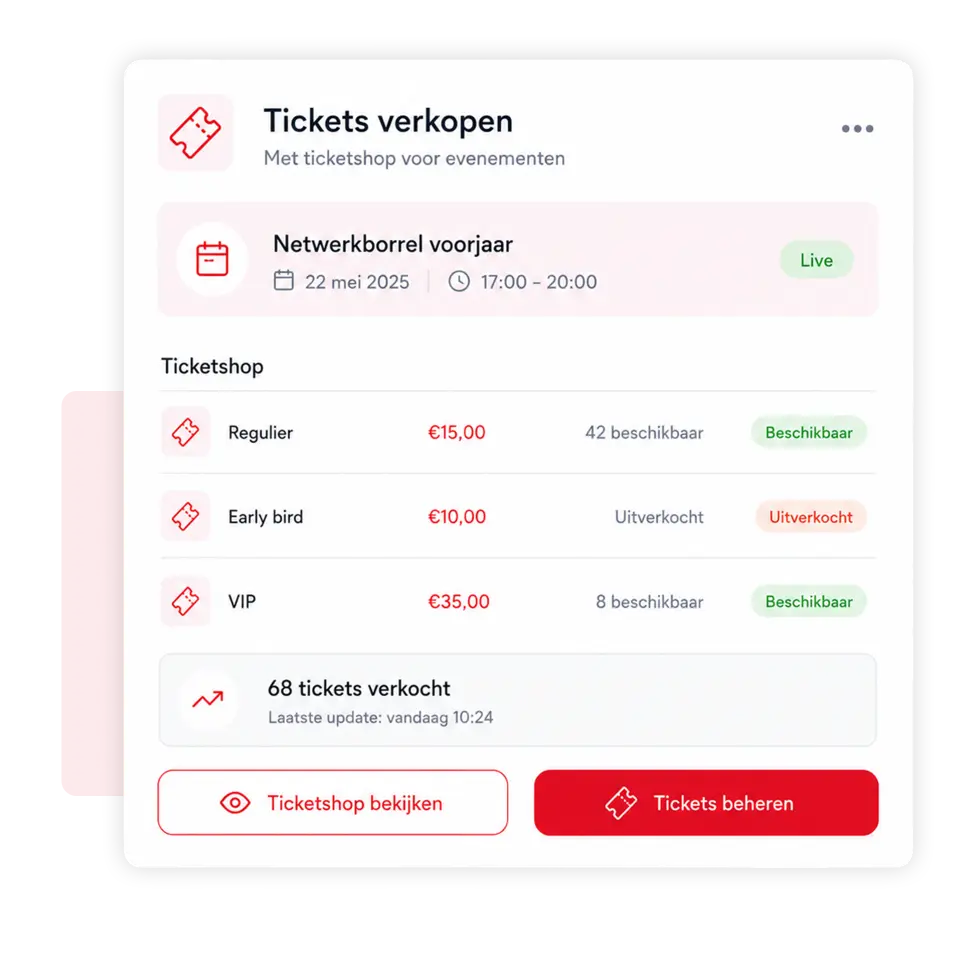
Sell tickets via your own Ticket shop
Easily turn a meeting into a public or paid event. Members, guests, and external visitors can order their tickets through the ticket shop and will receive an automatic confirmation.
You can determine the ticket price, the number of available seats, different ticket types and the sales period yourself. Public events can also be automatically published on the business club's website.

Invite easily a Introduce out
Members can easily register a guest at an event. Fill in the email address and the guest will automatically receive a personal invitation to confirm their registration.
Previously invited guests are retained, allowing members to re-register them with a single click at future events. This speeds up registration and ensures the organisation always has an up-to-date overview of all members and guests.

Laat Planny AI je evenement prepare
Tell the Planny AI Assistant what event you want to organise and let AI set up the meeting for you. Think of a networking event, company visit, knowledge session, general members' meeting or large entrepreneur event.
Planny AI helps prepare the title, description, date, invitation, registration deadline, and practical information, among other things. You check the result and adjust it where necessary. This way, a professional event is ready much faster.

Met 4planning!
Create your own app entirely without obligation and start organising your organisation more efficiently straight away!
- 3-month free trial
- Cancelable monthly
Since 2016, 4planning has been helping organisations to manage members, processes and communication more effectively. Based on years of practical experience, we continue to improve and expand the platform.
Simply switch to 4planning. Import your existing member data and easily set up your app, so you can get back to work immediately without rebuilding everything manually.
We're happy to help!
 Nederlands
  English (UK)
  Deutsch
  CRM & Customer Management
 Quotes & approval
 Projects & Planning
 Service & Maintenance
 Requests via website
 Materials and stock
 Customer communication
 Automation & AI
 Your company app
 Matches & results
 Bar staff rotas
 Referees' planning
 Agenda and attendance
 Internal communication
 Contributions & payments
 Tickets & admission
 Family accounts
 Sponsors
 Events & attendance
 Connections & Introductions