 Skip to content

Keep customers automatically up to date.




Rule customer communication from one clear app
- Appointments directly visible in the app
- Automatic confirmation to the customer
- Add to calendar with one click
- Plan maintenance in advance
- Send automatic reminders

Account manager

Keep customers informed on time up to date
Plan an appointment and share it directly with the customer. The appointment will automatically appear in the app and the customer will immediately receive a notification with all the important information.
Share appointments
Direct in the customer app
Automated notifications
Agenda integration
E-mail in your own company branding
Send from custom domain
Automatic reminders
Project Journal

Automatic Appointment confirmations
Once you schedule an appointment, the customer automatically receives a clear confirmation by email. The date, time, location, and any additional information are sent immediately.
The e-mail will be sent in your own branding and from your own domain. This means you no longer have to send confirmations manually, and the customer will know exactly what to expect.

Remind customers automatically about Appointments
Decide for yourself when customers receive a reminder, for example one week and one day before the appointment. 4planning automatically sends these reminders with all important information.
This way, you no longer have to e-mail or call customers manually. Customers will be reminded in time, and your employees will be less likely to face a closed door.
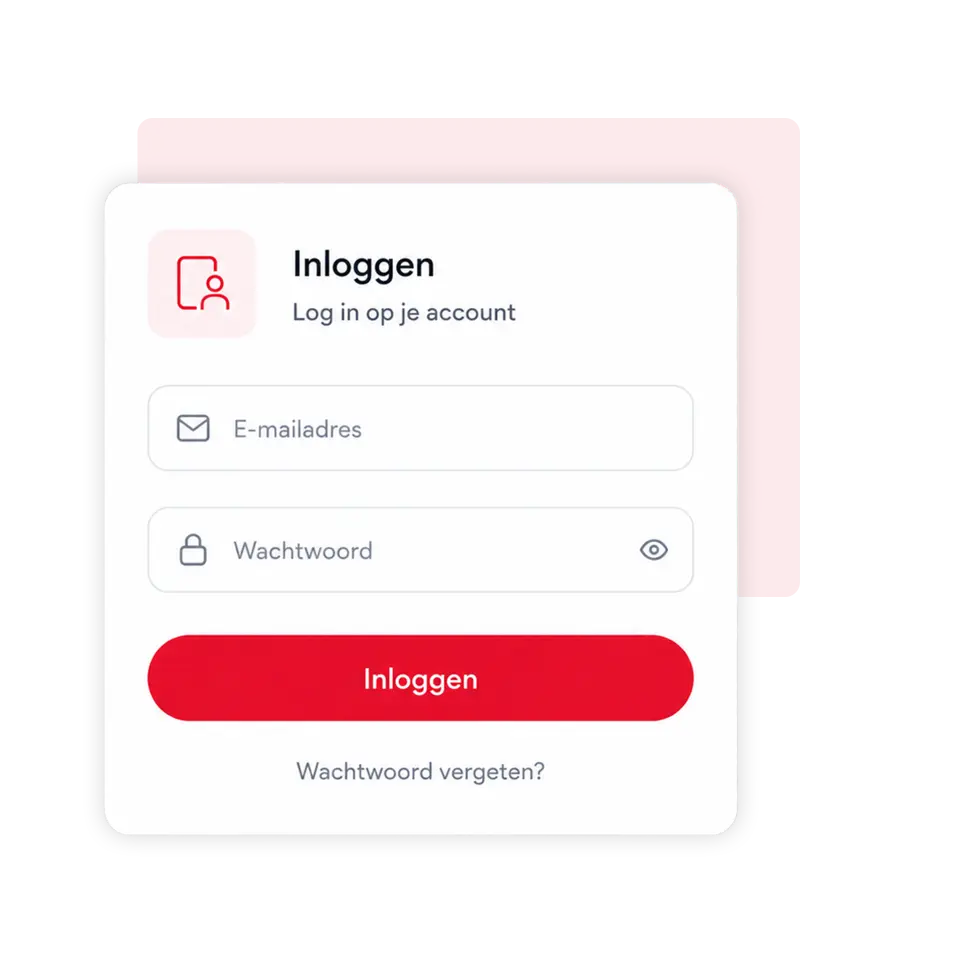
Geef klanten toegang tot hun eigen customer portal
Customers can easily log in to their personal portal with your company branding and view important information themselves. Among other things, they can see which products or installations they have purchased, which projects have been carried out, which maintenance contracts are active, and when appointments are scheduled.
All information is presented clearly and is automatically updated. This means customers need to contact us less often for individual questions and always have access to the most up-to-date data.
Share project updates via the Project journal
Keep clients informed with a personal project journal. Share progress, photos, tasks and important updates directly from the relevant project.
The customer logs into their own customer portal and can review all shared messages in an organised manner. This keeps the customer involved and means you have to send fewer separate status updates by email or phone.

Met 4planning!
Create your own app entirely without obligation and start organising your organisation more efficiently straight away!
- 3-month free trial
- Cancelable monthly
Simply switch to 4planning. Import your existing customer data and easily set up your environment so you can get back to work immediately without having to rebuild everything manually.
We're happy to help!
 Nederlands
  English (UK)
  Deutsch
  CRM & Customer Management
 Quotes & approval
 Projects & Planning
 Service & Maintenance
 Requests via website
 Materials and stock
 Customer communication
 Automation & AI
 Your company app
 Matches & results
 Bar staff rotas
 Referees' planning
 Agenda and attendance
 Internal communication
 Contributions & payments
 Tickets & admission
 Family accounts
 Sponsors
 Events & attendance
 Connections & Introductions